Own your video archive.
Tubey is a self-hosted video archiver built for datahoarders. It downloads videos from any site supported by yt-dlp and keeps them on your hardware — with a fast, YouTube-like library to browse, watch, and curate them. No subscriptions. No lock-in. No one can take it down.
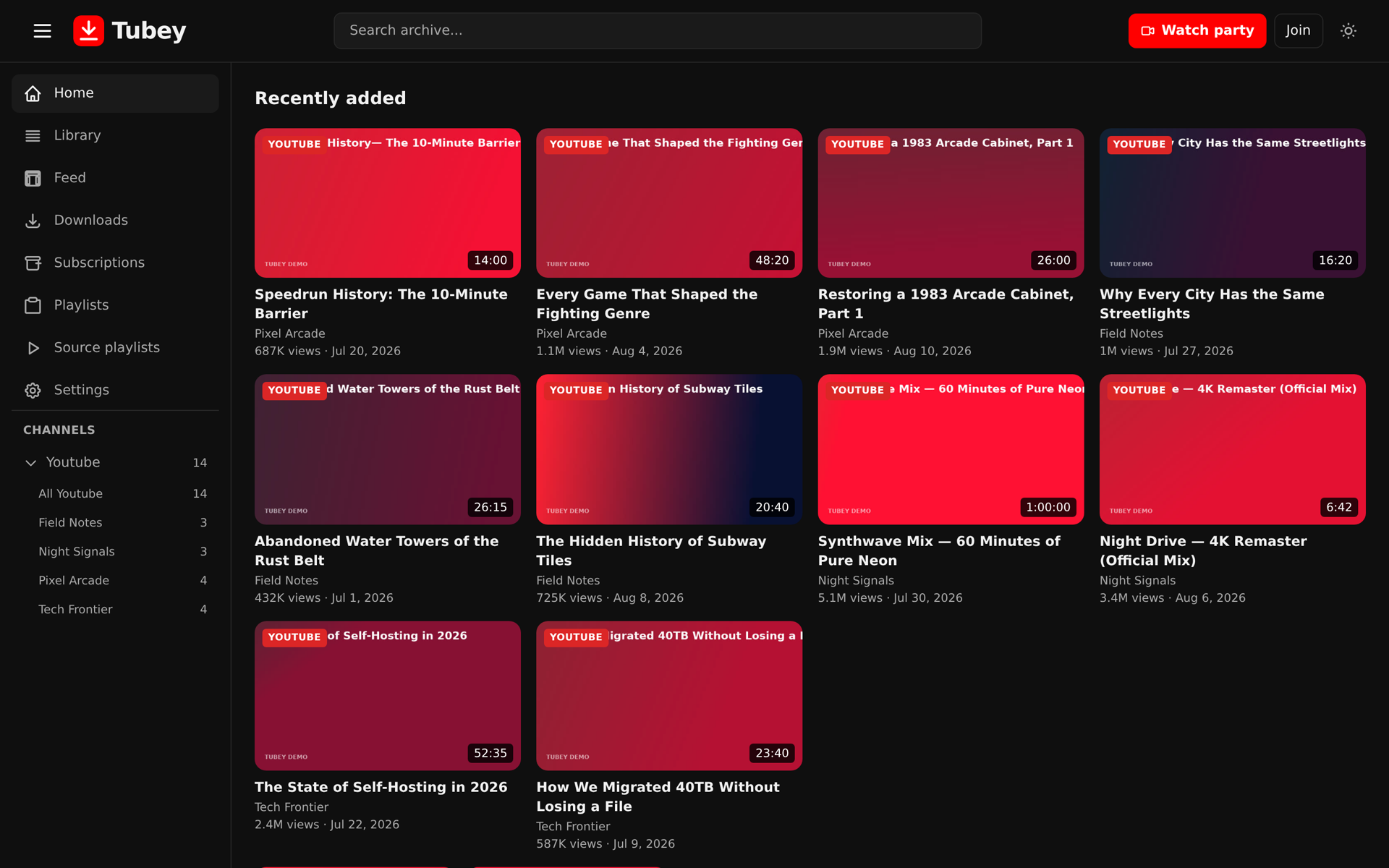
Your archive, organized the way YouTube should be — library, feeds, shorts, and favorites in one place.
Built for the way you actually watch
From a clean library to a real player, every screen is designed to make your archive feel like home.
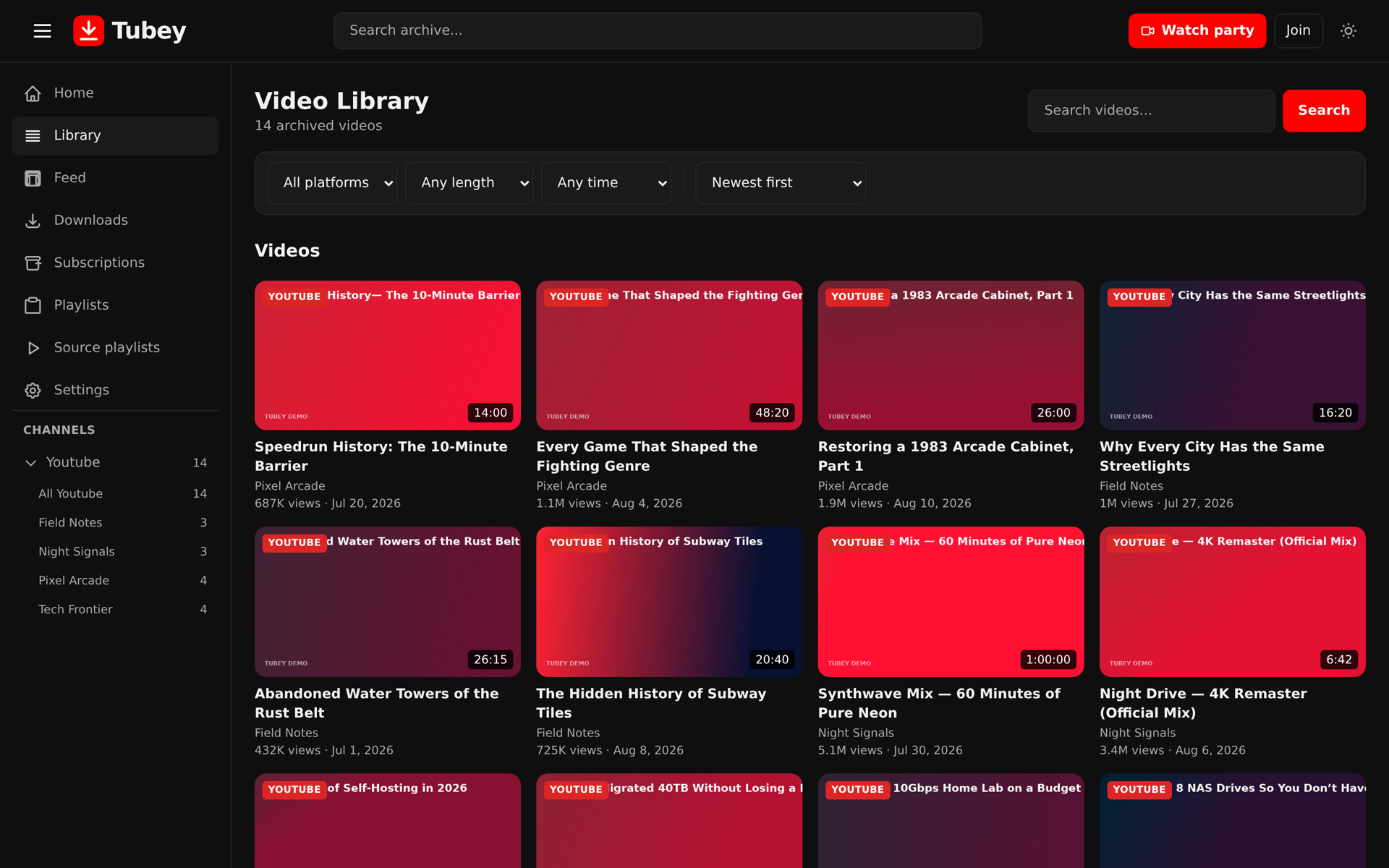
A library, not just a downloader
Tubey treats your downloads as a collection worth keeping — organized, searchable, and pleasant to use.
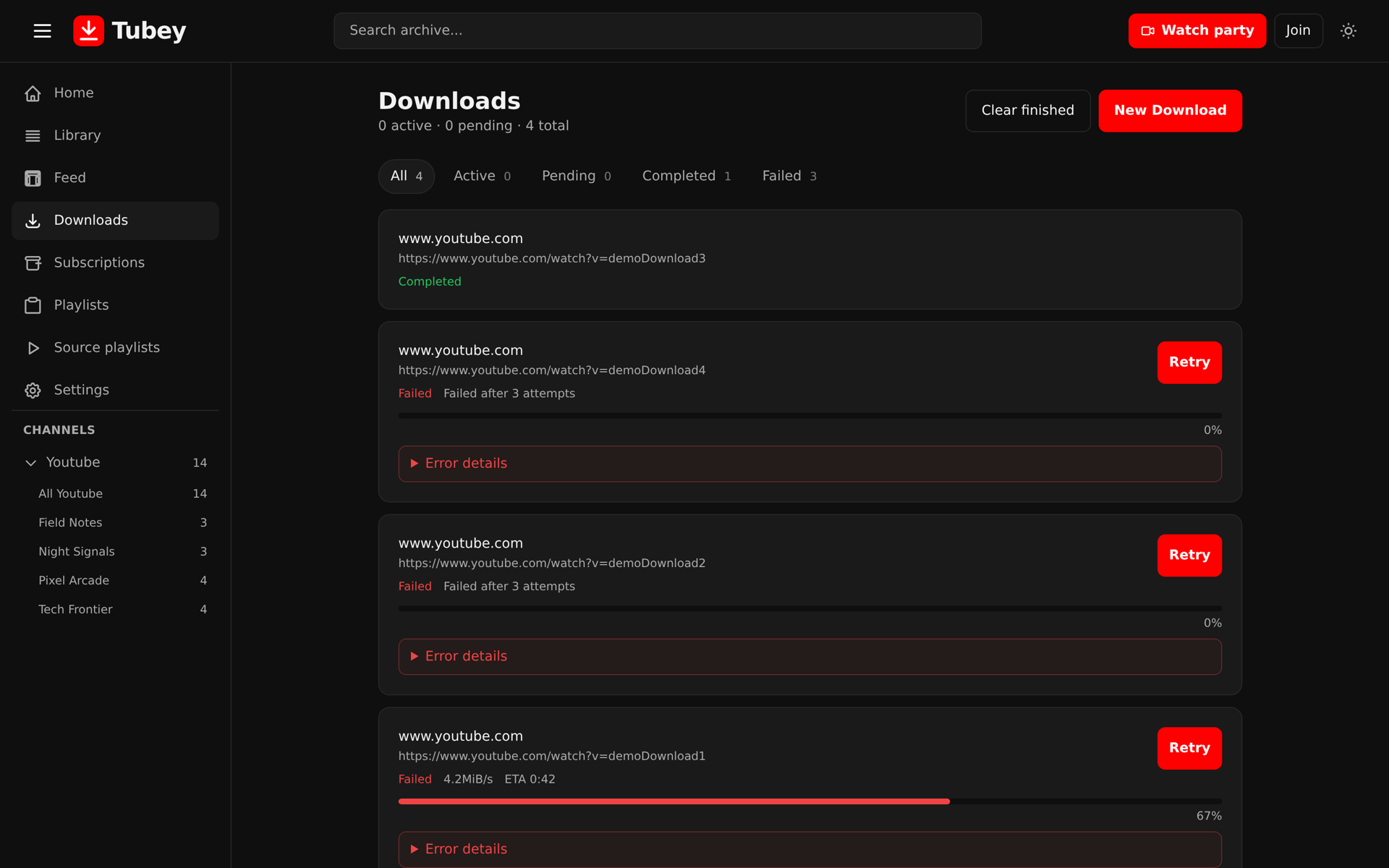
Archive from anywhere
Paste a video, playlist, or channel URL from any site yt-dlp supports. Tubey downloads the media, metadata, thumbnails, and subtitles — and keeps it all on your disk.
YouTube-like library
A fast, searchable, dark-first interface for browsing and watching your archive. Tags, favorites, notes, and curated playlists keep big collections organized.
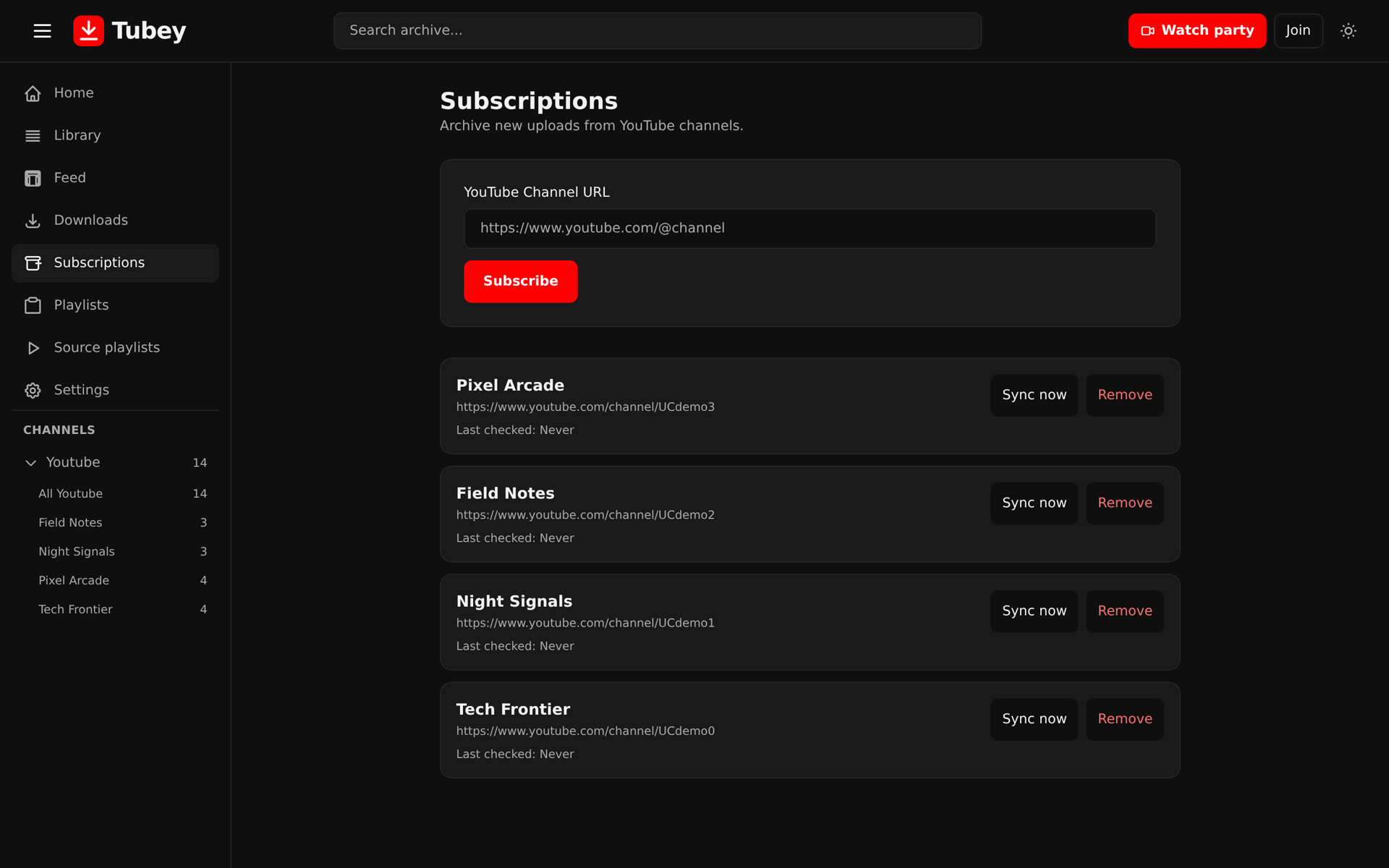
Channel subscriptions
Subscribe to channels and Tubey automatically scans for new uploads, enqueues only what you are missing, and shows everything in a single feed.
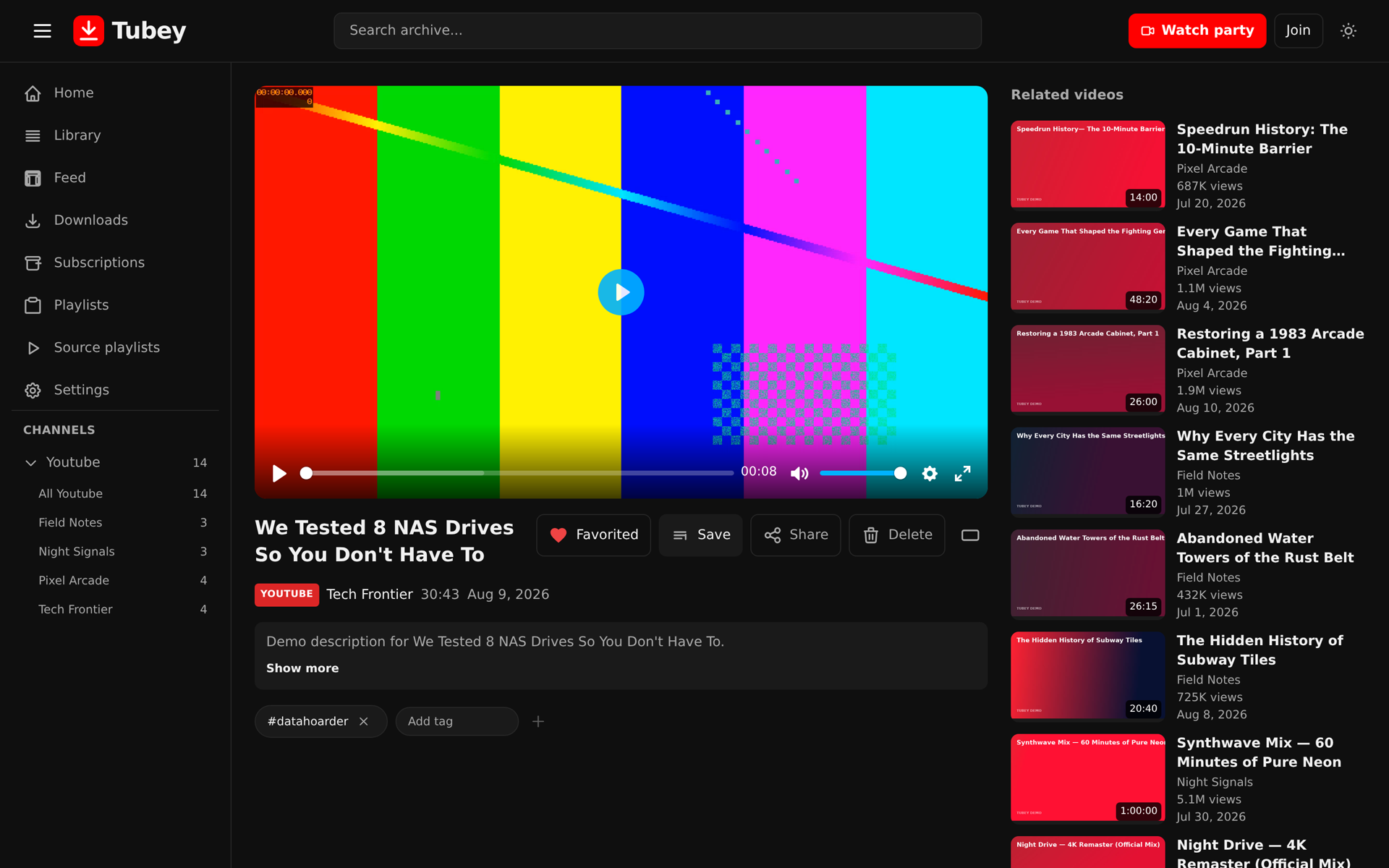
Built-in playback
Watch in the browser with subtitle tracks, resume-from-last-position, and time-limited share links you can send to anyone — no login required on their end.
Import existing archives
Point Tubey at an existing yt-dlp archive on a mounted NAS or backup folder. It scans, imports metadata, and dedupes what is already there.
Private by default
Single-user mode with no login, or multi-user mode with passkeys, OIDC, and per-account scoping. Your videos never leave your hardware.
Running on your own hardware
One container, a bind-mounted folder, and you are in business. Pick the setup that fits you.
Docker Compose
Clone the repo
Tubey is a single container. The FastAPI backend and the SvelteKit frontend ship together in one image.
git clone https://git.adamlamers.com/adamlamers/tubey.gitConfigure
Copy the example env file and set your archive directory and port. Everything else has sensible defaults.
cp .env.example .env
# edit ARCHIVE_DIR and TUBEY_PORTStart it
Docker Compose builds and starts the service. Open the URL and paste your first video URL.
docker compose up -d
# open http://localhost:8080
Standalone Docker container
No repo clone needed — pull the prebuilt image from Docker Hub and run it directly. The archive directory is created and bind-mounted where you point it.
docker run -d \
  --name tubey \
  -p 8080:8000 \
  -v "$PWD/archive:/archive" \
  -e ARCHIVE_DIR=/archive \
  adamlamers/tubey:latest
Then open http://localhost:8080, or set -e TUBEY_PORT=9000 -p 9000:8000 to change the host port. Add -e AUTH_MODE=multi -e [email protected] -e ADMIN_PASSWORD=secret for multi-user mode.
Questions, answered
What sites can Tubey archive from?
Anything supported by yt-dlp — thousands of sites, including YouTube, Vimeo, Twitch, and many smaller platforms. If yt-dlp can fetch it, Tubey can archive it.
Where are my videos stored?
On your hardware. Downloads go to a bind-mounted archive directory you choose (default ./archive). Metadata, thumbnails, and subtitles are stored alongside each video, with the yt-dlp .info.json kept as the source of truth.
Do I need an account or internet connection to use it?
No account. Single-user mode runs entirely on your machine with no login. You only need internet for the actual downloads.
Can multiple people use it?
Yes — set AUTH_MODE=multi and enable local accounts, WebAuthn passkeys, or OIDC (Authentik, Keycloak, Google, etc.). Favorites, notes, playlists, subscriptions, and downloads are scoped per account.
What about deleted or removed videos?
That is the point — once archived, a video lives in your library even if it disappears from its original site. A soft-delete trash system protects against accidental removal.
Is it container-friendly and resource-light?
Yes. A single non-root container runs the API and SPA, with SQLite as the default database. It is designed to run unobtrusively on a NAS or small server.
Is Tubey free and open source?
Yes — Tubey is free, open-source software (MIT) you run on your own hardware. No subscriptions, no accounts on a third-party service, and no data collection.
What makes Tubey different from YouTube Premium or a cloud archive service?
Tubey is built for people who want to own their data. Downloads are stored as real files on your disk — not in a proprietary cloud — and you control the whole pipeline: quality, formats, subtitles, and retention. A video stays in your library even if it is deleted or age-restricted on its original platform.
Start your archive today
The internet is ephemeral. Your copy does not have to be.